

How to Make Your Twitter (X) Account Public (2026 Guide)

New Twitter (X) accounts are public by default. If yours is set to private, here's how to switch back in under a minute.
Quick Steps (Desktop & Mobile)
- Open Settings and privacy
- Go to Privacy and safety → Audience, media and tagging
- Uncheck Protect your posts
- Confirm, done. All tweets are now public.
Create content, post everywhere
Create captions, images, and videos with AI. Schedule to 9 platforms in seconds.
Start your free trial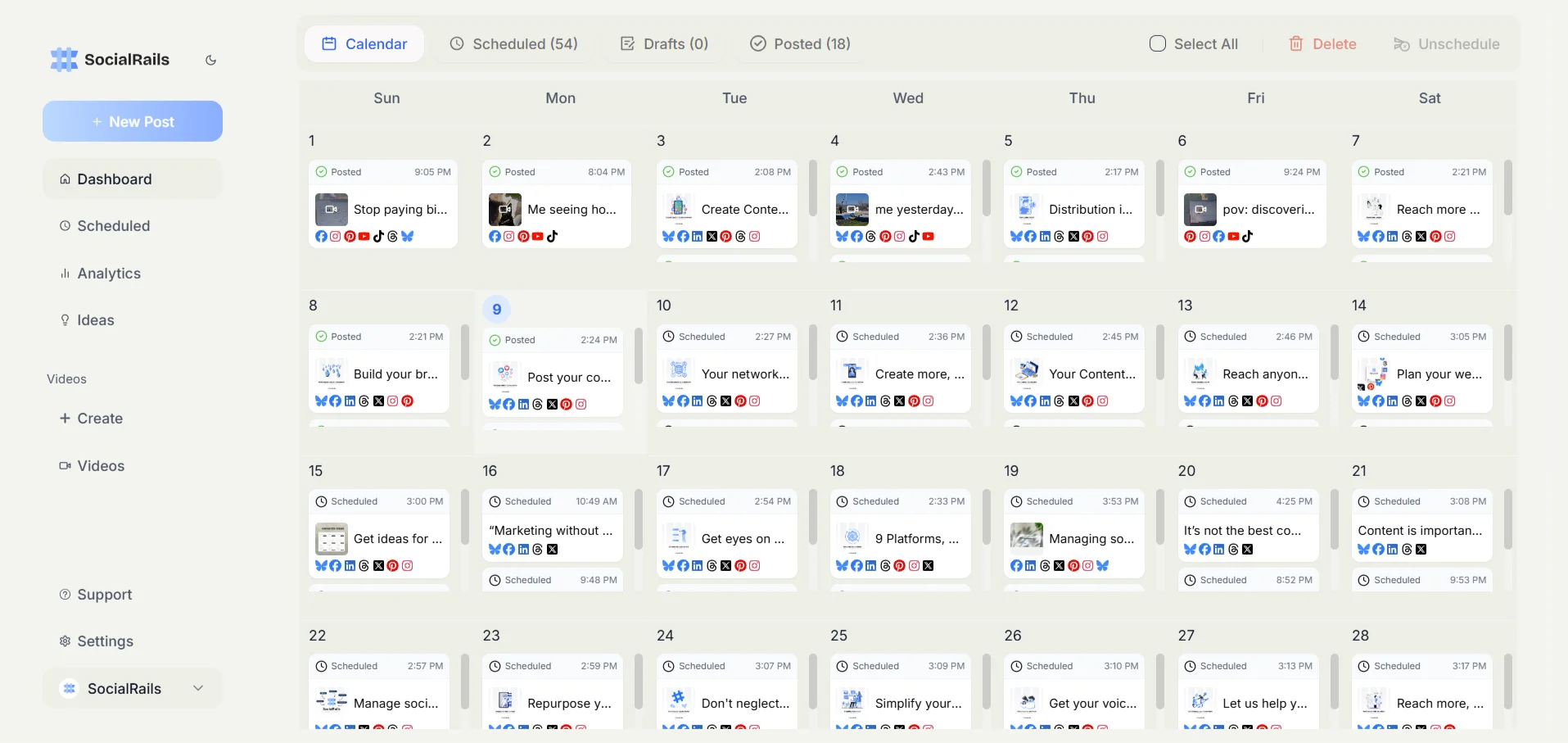
Desktop: Make Your Account Public
- Go to x.com and log in
- Click More (three dots) in the left sidebar
- Click Settings and Support → Settings and privacy
- Click Privacy and safety
- Click Audience, media and tagging
- Uncheck Protect your posts
- Click Confirm
Done. All existing and future tweets are now visible to everyone.
Mobile: Make Your Account Public (iOS & Android)
- Open the X (Twitter) app
- Tap your profile picture (top left)
- Tap Settings and Support → Settings and privacy
- Tap Privacy and safety
- Tap Audience, media and tagging
- Toggle off Protect your posts
- Confirm
Steps are identical on iOS and Android. X's own reference is About public and protected Posts.
What's the setting called that makes your Twitter account private?
What Happens When You Go Public
Switching from protected to public changes everything at once:
Three things to know:
All past posts become public. Not just new ones. X states it plainly: "Unprotecting your posts will cause any previously protected posts to be made public." Everything you ever wrote while protected becomes visible.
Posts become searchable. They show up in X search (including advanced search) and can be indexed by Google.
The step you cannot fully undo. This is the one nobody mentions. Going public lets search engines index your posts, and going private again does not remove them from Google. X says so in the same article and points users at Google's own removal process, noting that "X does not have the ability to remove content on websites other than X.com". So the switch is reversible on X and only partly reversible everywhere else.
Delete first, then switch. If there is anything in your history you would not want a stranger, an employer or a search engine to find, remove it before you unprotect. Afterwards you are asking Google to forget it rather than stopping it being seen.
One caveat about who could already see your protected posts. X notes that any account which followed you before you protected the account kept access the whole time, and that an authorised third-party app may also be able to read protected posts. Protected was never quite as sealed as it sounds, which is worth knowing when you weigh the change.
When you switch from private to public, what happens to your old tweets?
How to Check If You're Already Public
Two ways to check:
Visual check: Go to your profile. See a lock icon next to your handle? You're private. No lock = public.
Settings check: Open Settings → Privacy and safety → Audience, media and tagging. If "Protect your posts" is checked, you're private.
Privacy Settings to Review After Going Public
Public doesn't mean uncontrolled. Adjust these settings:
You might also want to hide your likes if you prefer to keep that activity private while your tweets are public.
After making your account public, can people find you by your email address?
What to Do After Going Public
Now that your tweets are visible, make the most of it:
- Optimize your profile so new visitors know what you're about
- Post at the right times, check our best time to post on Twitter guide
- Track your performance with Twitter analytics
- Build your following with a proper Twitter growth strategy
Should You Go Public or Stay Private?
Public accounts get retweeted, show up in search, and appear in recommendations. Private accounts don't.
If you want to grow, go public.
FAQ
How do I make my tweets visible to everyone?
Settings → Privacy and safety → Audience, media and tagging → uncheck "Protect your posts."
Can I make some tweets public and others private?
No. It's all or nothing. Every tweet is either public or protected.
Will people know I switched to public?
No notification is sent. Your account simply stops requiring approval to follow, and the lock icon disappears from your profile. X does not document what happens to follow requests that were already pending, so check that list yourself after switching if you had deliberately declined anyone.
Can I switch back to private later?
Yes, anytime. But tweets already retweeted or cached by Google may remain visible.
Do public tweets show up on Google?
Yes. Google can index public tweets within days or weeks.
Related Resources
Was this article helpful?
Let us know what you think!