

How to Repost Instagram Reels in 2026: Complete Step-by-Step Guide

Two things changed that make most older repost advice obsolete. Instagram shipped a real Repost button globally on 6 August 2025, so the download-and-re-upload workarounds are no longer necessary. And on 30 April 2026 Instagram stopped recommending accounts that mostly post other people's content, which changes what reposting costs you. This guide covers both.
Quick Answer: How to Repost Instagram Reels
Use the Repost button
Tap the circular-arrows Repost icon under a public Reel, optionally tap the bubble by your profile picture to add a thought, then tap Save. The Reel appears in your followers' feeds and in a Reposts tab on your profile, credited to the original creator.
Create content, post everywhere
Create captions, images, and videos with AI. Schedule to 9 platforms in seconds.
Start your free trial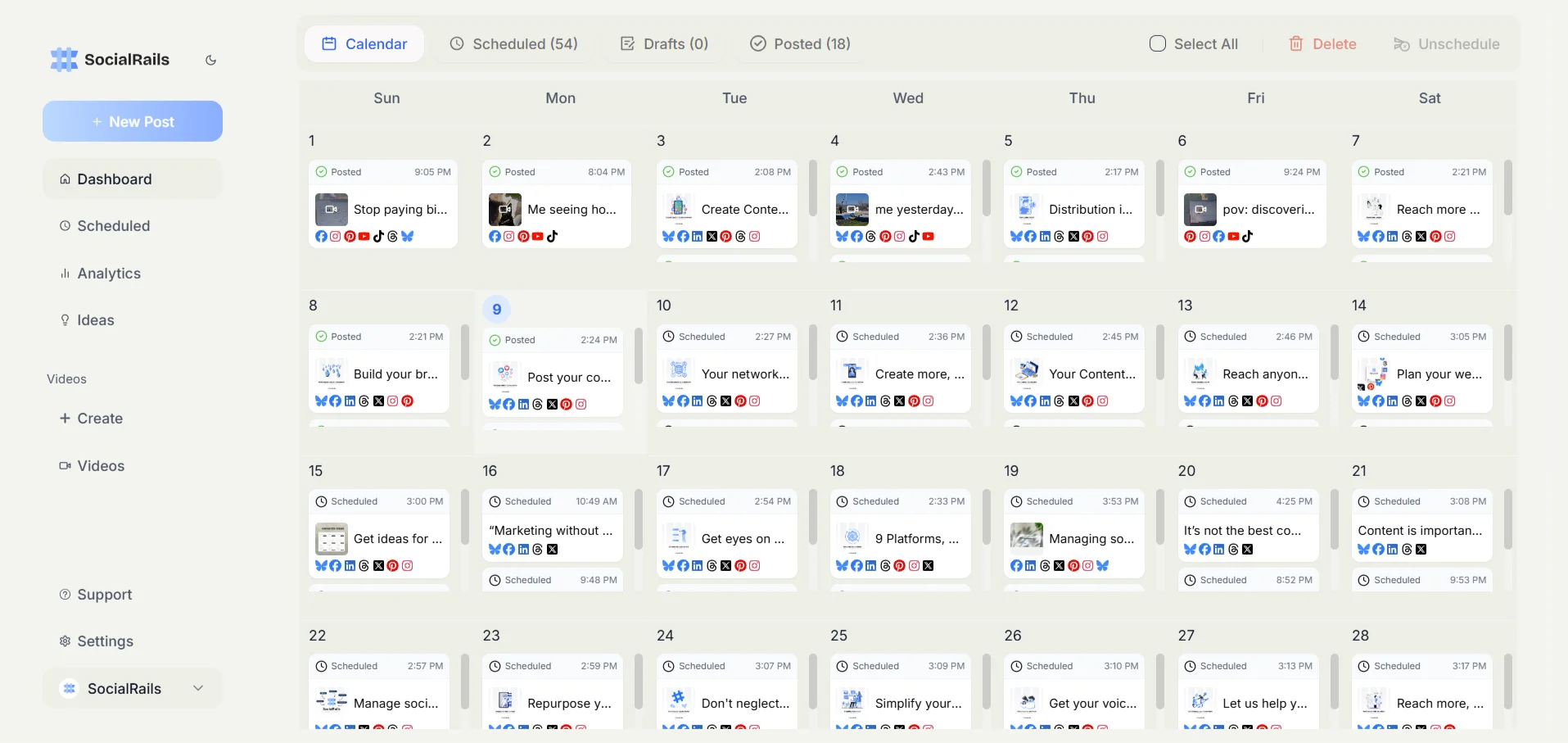
The other native options
- Add to Story: Tap the share button → "Add Reel to your story"
- Send in DM: Share privately with specific followers
- Copy link: Share the URL on other platforms
Before you download and re-upload
Instagram now treats a feed of other people's content as a reason not to recommend your account, and adding credit does not exempt you. Read the originality policy before you build a strategy around re-uploading.
The Originality Policy That Changed the Math
On 30 April 2026 Instagram extended a rule that previously covered only Reels to photos and carousels as well. Adam Mosseri put it plainly:
"If most of what you post to Instagram is someone else's content, your account is no longer going to be recommendable."
Three details decide whether this affects you:
- It is judged over a month, not per post. One repost does not hurt you. A feed that is mostly reposts does.
- Losing recommendability is not a ban. Your posts still reach the people who already follow you. They stop being shown to people who do not, which is where nearly all growth comes from.
- Credit does not buy you out of it. Instagram has said that crediting the creator, adding a watermark, or cropping the video are not meaningful transformation. This is the single most important change, because "always add credit" was the standard advice and it no longer does the job it was supposed to do.
What Instagram points to instead: remixing with your own commentary or reinterpretation, using the built-in Repost button, and collaborating with creators directly through collab posts.
Meta has not published detailed guidance on where the line sits for meme and commentary accounts, so treat the edge cases as genuinely unsettled rather than assuming your use is fine.
Instagram's Native Repost Features
Method 1: The Repost Button
Instagram rolled this out globally on 6 August 2025. It is the only method that requires no downloading, no third-party app, and no manual attribution.
How to do it:
- Find a public Reel you want to share
- Tap the Repost icon (two circular arrows) under the Reel
- Tap the bubble by your profile picture to add a thought, if you want to say something
- Tap Save
What's good:
- Credits the original creator automatically, with no caption work from you
- No quality loss, because nothing is downloaded or re-encoded
- Permanent, unlike a Story
- It is the method Instagram itself names as an acceptable alternative to re-uploading
What's not:
- Reposts land in a separate Reposts tab on your profile, not in your main grid
- Comments on your repost arrive as direct messages rather than under the post
- It only works if the creator allows it. Creators can switch reposting off, and private accounts cannot be reposted at all
That last point is the honest limitation of every native method: the creator holds the switch. If they have turned reposting off, the answer is to ask them, not to route around it.
Method 2: Add Reel to Your Story
This is Instagram's official way to share Reels temporarily:
How to do it:
- Find the Reel you want to share
- Tap the share button (paper airplane icon)
- Select "Add Reel to your story"
- Customize with stickers, text, or drawings
- Add credit by tagging the original creator
- Share to your story
What's good:
- Official Instagram feature
- Maintains original creator link
- Easy and quick process
- Automatically credits original post
What's not:
- Only available for 24 hours (Stories)
- Creator must allow story sharing
- Limited customization options
Method 3: Share via Direct Message
Share Reels privately with specific followers:
How to do it:
- Open the Reel you want to share
- Tap the share button
- Select "Send in Direct"
- Choose recipients
- Add a message (optional)
- Send
When to Use:
- Private sharing with friends or team
- Getting feedback before public sharing
- Sharing content that's not suitable for public repost
Method 4: Copy and Share Link
Share Reels on external platforms:
How to do it:
- Tap the three dots on the Reel
- Select "Copy link"
- Paste link on other platforms (Twitter, Facebook, etc.)
- Add context and credit information
Best Practices:
- Add your own commentary
- Tag the original creator
- Explain why you're sharing
Downloading a Reel
The usual reason to reach for a third-party downloader is to get the video file so you can re-upload it. Before doing that, note two things: Instagram will hand you the file itself, and re-uploading is the exact pattern the April 2026 policy penalises.
Instagram's own download
Instagram has let anyone save public Reels since late 2023. Tap the share icon, then Download. The file lands in your camera roll with a watermark showing the creator's handle, which means the attribution travels with the video instead of depending on your caption.
Creators with public accounts can turn downloads off, and for public accounts belonging to under-18s it is off by default. If Download is missing, the creator has disabled it, and that is an answer rather than an obstacle.
Third-party downloader sites and apps
There is a large category of these, and we are not going to list them by name. The reasons are practical rather than moralistic:
- Instagram's native download already covers the legitimate use, so a third-party site is solving a problem you do not have
- Many require you to paste a URL into a site funded by ads or, worse, ask you to log in with your Instagram credentials, which is the access pattern that gets accounts actioned
- They churn constantly. Tools that were standard recommendations a few years ago have shut down, changed hands, or become something else entirely, and a guide that names them ages badly
If the native download is unavailable for a Reel, that is the creator's setting, and the correct next step is to ask them.
Screen Recording
Use your phone's built-in screen recording:
For iPhone:
- Enable screen recording in Control Center
- Start recording
- Play the Reel from beginning to end
- Stop recording
- Edit and crop the video
- Upload with credit
For Android:
- Access screen recorder (varies by phone)
- Start recording
- Play the Reel
- Stop and save
- Edit if needed
- Post with attribution
Pros and Cons:
- ✅ No third-party apps needed
- ❌ Loses quality. A screen recording re-encodes a video that was already compressed once, so it is the worst-quality option here, not a way to preserve quality
- ❌ Captures the Instagram interface, so you have to crop
- ❌ May include notifications or interruptions
- ❌ No watermark, so nothing carries the credit except your caption
Since Instagram's own download gives you a cleaner file with the creator's handle attached, screen recording is now only useful for content that cannot be downloaded, which is usually content the creator has chosen not to let you download.
Proper Attribution and Credit
Essential Elements of Proper Credit:
- Tag the original creator in caption and/or video
- Mention their handle in caption text
- Include "Repost" or "Credit" language
- Link to original post when possible
- Add value with your own commentary
Attribution Examples:
Good Attribution:
"Amazing Reel by @originalcreator! 🔥
This perfectly shows [your insight/why you're sharing]
Credit: @originalcreator
#Repost #Credit"
Create your own engaging captions with our Instagram caption generator.
Poor Attribution:
"Cool video! 😎"
What Credit Does and Does Not Do
Attribution is the right thing to do and it is what creators ask for. Be clear about what it does not do:
- It is not a licence. Tagging someone does not give you permission to use their video. Permission comes from the creator.
- It is not a fair use argument. Fair use is a US legal doctrine, decided case by case by a court, and re-uploading a whole Reel with a caption is a weak candidate for it. Adding a sentence of commentary does not convert copying into fair use, and anyone telling you it does is describing a hope rather than a rule.
- Since 30 April 2026 it does not protect your reach either. Instagram has said credit, watermarks and crops are not meaningful transformation.
So credit because it is owed, not because it makes the repost safe. If you need it to be safe, ask permission.
Best Practices for Reposting Reels
1. Ask Permission First
How to Ask:
- Send a DM: "Hi! I love your Reel about [topic]. May I repost it on my account with full credit?"
- Comment publicly: Shows transparency
- Mention your audience size and purpose
Benefits of Asking:
- Builds relationships with creators
- Avoids potential conflicts
- Often leads to collaboration opportunities
- Demonstrates respect and professionalism
2. Add Valuable Commentary
Ways to Add Value:
- Context: Explain why you're sharing
- Insight: Add your professional perspective
- Tips: Expand on the original content
- Discussion: Ask your audience questions
Example:
"Repost from @fitnesscreator - This exercise technique is perfect for beginners because [your expertise]. What's your favorite beginner-friendly workout? 💪
Credit: @fitnesscreator"
3. Time Your Reposts Strategically
Timing Considerations:
- Don't repost immediately: Wait a few days for original to get traction
- Consider time zones: Post when your audience is active
- Check engagement: Repost when original is performing well
- Seasonal relevance: Ensure content is still timely
4. Curate Quality Content
Selection Criteria:
- Relevance: Matches your brand and audience
- Quality: High production value and clear message
- Authenticity: Genuine and valuable content
- Engagement: Content that sparked good discussions
Content Curation Strategy
Building a Repost Strategy:
- Keep originals the clear majority. A commonly cited split is 80% original to 20% reposts. Instagram has not published a threshold, so treat that as a rule of thumb rather than a line you can sit against. What Instagram has said is that it assesses a month of your posting, and that an account posting mostly other people's work stops being recommended
- Theme Alignment: Ensure reposts match your brand
- Audience Value: Only share what benefits your followers
- Creator Diversity: Support various creators, not just popular ones
- Consistency: Regular but not overwhelming reposting
Types of Content to Repost:
Educational Content:
- Tutorials and how-tos
- Industry insights and tips
- Behind-the-scenes processes
- Expert advice and commentary
Inspirational Content:
- Success stories and testimonials
- Motivational messages
- Achievement celebrations
- Community highlights
Entertainment Content:
- Relevant humor and memes
- Creative challenges and trends
- Artistic and creative expressions
- Engaging storytelling
Common Reposting Mistakes to Avoid
Mistake 1: No Attribution
Problem: Sharing without crediting original creator Solution: Always include clear attribution Consequences: Copyright issues, community backlash, account penalties
Mistake 2: Poor Quality Reposts
Problem: Low-resolution or watermarked downloads Solution: Use high-quality methods and apps Impact: Reflects poorly on your brand
Mistake 3: Over-Reposting
Problem: Sharing too much content from others Solution: Maintain balance with original content Result: Audiences expect original value from your account
Mistake 4: Inappropriate Content Selection
Problem: Sharing content that doesn't match your brand Solution: Careful curation and brand alignment Impact: Confuses audience and dilutes brand message
Mistake 5: Ignoring Creator Requests
Problem: Not responding to removal requests Solution: Respect creator wishes promptly Consequences: Damaged relationships and potential legal issues
Reposting Ethics and Guidelines
Ethical Reposting Principles:
- Respect: Honor creator rights and wishes
- Transparency: Clear attribution and credit
- Value: Add meaningful commentary or context
- Permission: Ask when possible, especially for commercial use
- Reciprocity: Support creators you repost from
When NOT to Repost:
- Creator has "Do not repost" in bio
- Content is marked as original or exclusive
- You can't add meaningful value
- Content might be controversial for your brand
- Original creator asks for removal
Building Relationships with Creators:
- Engage genuinely with their content
- Provide value through your reposts
- Collaborate on original content through professional networking
- Support their other work and projects
- Give back through mentions and features
Tools and Apps for Reposting
Instagram itself now covers everything most people need:
- The Repost button, for sharing a Reel with automatic credit
- Share to Story and DM, for temporary and private sharing
- Share icon → Download, for saving a public Reel with a watermarked handle
- Remix, for building your own Reel on top of someone else's
Scheduling tools are a separate job from reposting. Several social media management platforms offer some form of user-generated-content curation, but the feature sets and what they are allowed to do with Instagram's API change often, so check the current documentation of any tool you are considering rather than trusting a list in an article. Where a tool asks for your Instagram password rather than using Instagram's official login, do not use it.
Measuring Repost Performance
Key Metrics to Track:
- Engagement Rate: Likes, comments, shares on reposts (use our engagement calculator)
- Reach and Impressions: How many people saw your reposts
- Profile Visits: Traffic generated from reposts
- Follower Growth: New followers from repost content
- Collaboration Opportunities: Relationships built through reposting
Tools for Analytics:
- Instagram Insights: Native analytics for business accounts
- Social media management tools: Comprehensive analytics
- Third-party analytics: Detailed performance tracking
Optimizing Based on Data:
- Content types that perform best as reposts
- Timing that works for your reposted content
- Attribution styles that generate most engagement
- Original creators whose content resonates with your audience
Legal Considerations and Copyright
Understanding Copyright:
- Original creators own their content. Posting it publicly does not put it in the public domain
- Fair use is a defence, not a permission. It exists in US law, is decided by a court after the fact, and turns on how much you took and whether your use competes with the original. Copying an entire Reel usually starts from a bad position on both
- Commercial use has different requirements, and a business account reposting for reach is commercial use
- Instagram's terms apply on top of copyright, and they are the thing that will actually affect you first
Protecting Yourself:
- Ask permission. This is the only step on this list that actually resolves the question
- Always credit original creators, because it is owed
- Prefer the Repost button, which sidesteps the copying question entirely
- Remove content if the creator requests, promptly and without argument
- Understand platform policies, which change more often than copyright law does
When to Seek Legal Advice:
- Large commercial reposting
- Disputed attribution or ownership
- Copyright infringement claims
- Business use of creator content
Where Reposting Is Heading
The direction of travel over the last three years is consistent, and it is worth naming because it tells you what to expect next. Instagram has steadily made the sanctioned routes easier and the unsanctioned ones less rewarding: native downloads with a baked-in handle in 2023, a Repost button with automatic attribution in 2025, and in 2026 an explicit reach penalty for accounts that mostly republish other people's work.
The pattern is that Instagram wants to know who made a thing and wants the person republishing it to be visibly secondary. Any workaround that hides the original creator, or that makes a reposted feed look like an original one, is running against that and should be expected to stop working.
What Instagram has not settled is where commentary, meme and curation accounts sit. It has acknowledged the edge cases without publishing guidance for them, so if that is your account, watch for updates rather than assuming a stable answer exists.
Staying Updated:
- Follow Instagram updates: Official announcements about reposting
- Creator community feedback: Listen to creator concerns and preferences
- Platform policy changes: Stay informed about terms of service updates
- Industry best practices: Evolving standards for ethical reposting
Frequently Asked Questions
Is it legal to repost Instagram Reels without permission?
Re-uploading someone's Reel without permission can infringe their copyright and can breach Instagram's terms. Fair use is a US court defence decided case by case, not a box you tick by adding a caption, so do not rely on it. Ask permission, credit the creator, and prefer Instagram's Repost button, which shares the Reel without copying it. Commercial use needs explicit permission.
Do creators get notified when I repost their Reels?
It depends on the method. Instagram's Repost button and adding a post to your Story both notify the original creator, and the Story notification reads "[username] added your post to their story". Creators can turn that notification off in their settings. Downloading and re-uploading sends no notification, but it is also the method Instagram penalises, so the absence of a notification is not the advantage it sounds like.
What's the difference between sharing to Story and reposting?
Sharing to Story keeps the creator's link but disappears after 24 hours. The Repost button is permanent, credits the creator automatically, and puts the Reel in a separate Reposts tab on your profile rather than your main grid, with comments arriving as DMs. Downloading and re-uploading puts the video in your own grid, but it requires manual attribution and counts against your account under Instagram's originality policy.
How do I ask creators for permission to repost their Reels?
Send a polite DM explaining why you want to repost, how you'll credit them, and what your audience size is. For example: "Hi! I love your Reel about [topic]. May I repost it on my account with full credit? I have [X] followers who would find this valuable."
Can I monetize content that I've reposted from other creators?
No, you cannot monetize reposted content unless you have explicit written permission from the original creator. Reposted content should not be used for commercial purposes without proper licensing agreements.
What should I do if a creator asks me to remove their reposted content?
Remove the content immediately and respectfully. This shows professionalism and respect for creator rights. You can also apologize for not asking permission first and maintain the relationship for future collaboration opportunities.
Are there any Instagram Reels that I definitely shouldn't repost?
Avoid reposting content from creators who have "Do not repost" in their bio, controversial or sensitive content, posts you can't add meaningful value to, or content that doesn't align with your brand values and audience interests.
How much of my content should be reposts versus original content?
Instagram has not published a threshold, so any specific ratio is a rule of thumb rather than a limit. The commonly cited split is 80% original to 20% reposts. What Instagram has stated is that it assesses roughly a month of your posting and stops recommending accounts whose feeds are mostly other people's content, so keep originals the clear majority and leave yourself margin rather than aiming at a number.
Conclusion
Most guides on this topic, including earlier versions of this one, were written for a version of Instagram that no longer exists. The advice was: download the Reel, re-upload it, add credit, and you are fine. Instagram has since built the Repost button that removes the need for the first two steps, and then stated outright that the third step does not protect you.
So the short version is: use the Repost button when the creator allows it, ask when they do not, and keep your own work the clear majority of what you post. Reposting still works as a way to support creators and fill gaps in your calendar. It no longer works as a content strategy.
Related Instagram Guides:
- Get Verified on Instagram - Build credibility
- Instagram Networking Strategies - Connect with creators
- Hide Hashtags on Instagram - Clean presentation
- Instagram Shadowban Recovery - Avoid penalties
- Instagram Story Collages - Create engaging stories
- Instagram Caption Generator - Write great captions
Ready to build a comprehensive Instagram strategy? Try SocialRails' social media management tools to plan, create, and schedule content that engages your audience while respecting creator rights.
Was this article helpful?
Let us know what you think!