

SmarterQueue Review 2026: Features, Pricing, Pros & Cons

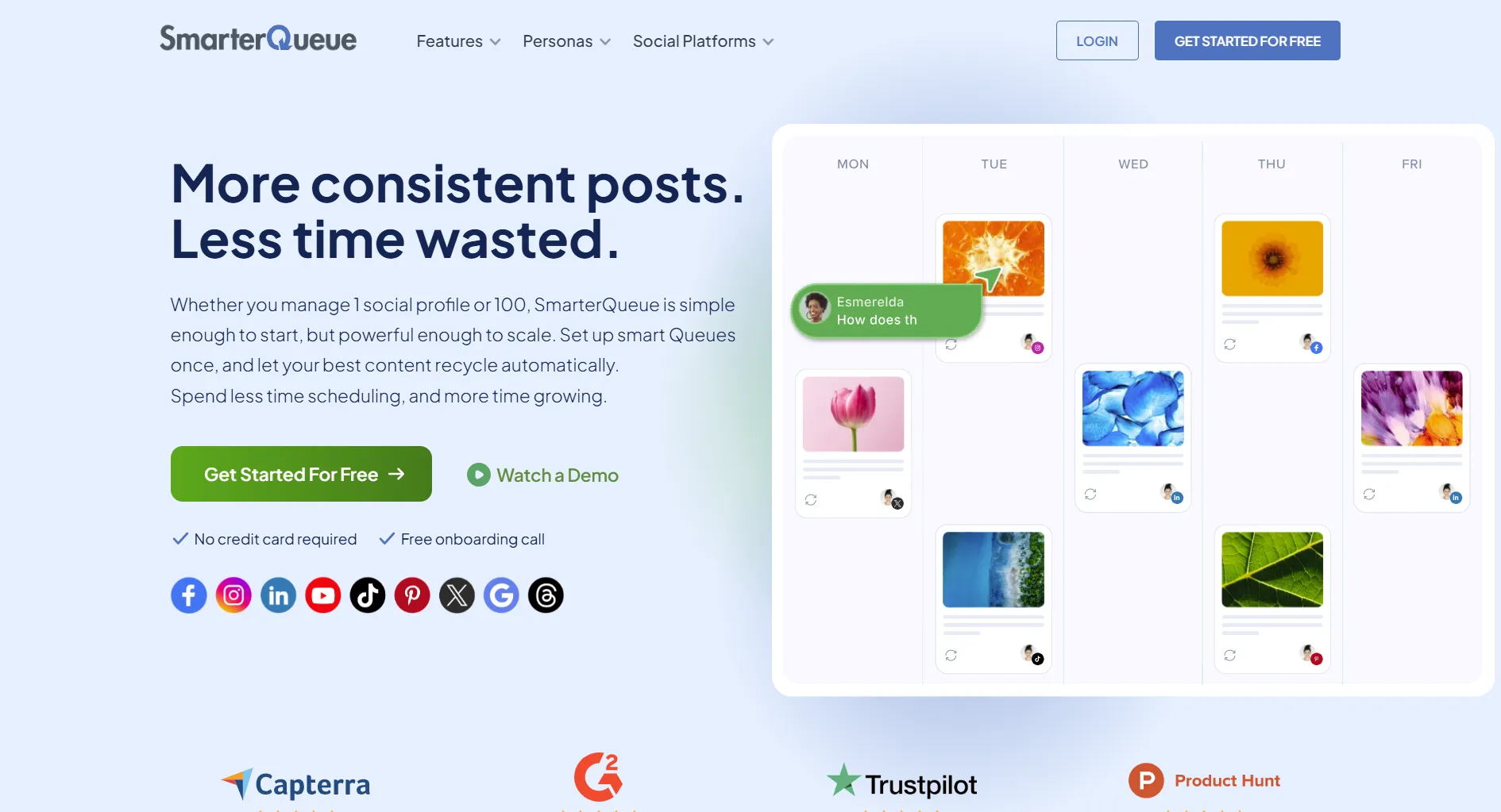
SmarterQueue automates content recycling. Your evergreen posts keep posting. Plans start at $24/month.
Quick verdict: Great for bloggers with evergreen content. Overkill for fresh-only posting.
Create content, post everywhere
Create captions, images, and videos with AI. Schedule to 9 platforms in seconds.
Start your free trial
The 30-Second Summary
Bottom line: If 50%+ of your content is evergreen, SmarterQueue pays for itself. If you only post fresh content, skip it.
Pricing
All plans: 1 user included. Annual saves 15%.
Blogger with 5 social profiles. Which plan?
What SmarterQueue Does Best
1. Content Recycling
Post something once. It keeps posting forever:
Example: 100 blog posts → perpetual social traffic without manual reposting.
2. Category System
Organize by content type:
- Blog posts
- Quotes
- Promotions
- User content
- Custom categories
Set how many of each category per day. Keeps your feed balanced.
3. AI Caption Writer
Generate caption ideas:
- Enter URL or topic
- Get multiple options
- Pick and customize
Not full AI content creation, but helpful for starting points.
You have 100 evergreen blog posts. What happens in SmarterQueue?
What SmarterQueue Lacks
Who Should Use SmarterQueue?
Perfect fit:
- Bloggers with evergreen content
- Solo marketers wanting automation
- Content-heavy sites
- RSS-to-social workflows
Not worth it for:
- Fresh-only content (news, trends)
- Teams (extra user costs)
- Video-first creators
- Those needing AI content
News site posting only fresh, time-sensitive content. Best tool?
SmarterQueue vs Alternatives
Key insight: SmarterQueue vs SocialBee is the real comparison. SocialBee costs $5 more but has better AI.
How to Get Started
Step 1: Start Free Trial
14 days, no card required.
Step 2: Create Categories
Organize content by type. 10-15 minutes.
Step 3: Import Content
Add posts manually or via RSS. Bulk upload available.
Step 4: Set Queue Schedule
How many posts per day, per category.
Step 5: Watch It Run
Content cycles automatically. Check weekly.
Real User Feedback
What users love:
"Set up once, forget about it. My blog posts keep getting traffic."
"Category system keeps my feed balanced automatically."
Common complaints:
"Single user per plan is annoying. Adding teammates costs extra."
"Wish it had video templates."
100 blog posts, want hands-off social sharing. Worth $24/month?
Final Verdict
Get SmarterQueue if:
- 50%+ content is evergreen
- You want hands-off automation
- You organize by content categories
- You import from RSS
Skip SmarterQueue if:
- You post fresh content only
- You need video creation
- You need team features
- You want free option
Rating: 4.0/5 — Excellent for its purpose. That purpose is niche but valuable.
Create content, post everywhere
Create captions, images, and videos with AI. Schedule to 9 platforms in seconds.
Start your free trialRelated
SmarterQueue Resources:
- SmarterQueue Pricing
- SmarterQueue Alternatives
- SmarterQueue vs Buffer
- SmarterQueue vs SocialBee
- Cheaper Than SmarterQueue
Similar Tools:
- OneUp Review - Content recycling + GMB
- SocialBee Review
- MeetEdgar Review
- RecurPost Review
- Buffer Review
- Best Social Media Schedulers
Was this article helpful?
Let us know what you think!