

Canva Review 2026: Features, Pricing & Honest Verdict

TL;DR: Canva is the default template-first design tool. The free plan is genuinely usable. Pro ($18/month) adds premium content, 5 Brand Kits, more AI and social scheduling. Business ($25 per person a month) replaces the old Teams plan and adds collaboration, approvals and 100 Brand Kits. Scheduling exists but is not Canva's strength.
Prices are US list prices. Canva prices by region and showed euro prices when we checked its pricing page in October 2026; plan contents below are from that page.
Create content, post everywhere
Create captions, images, and videos with AI. Schedule to 9 platforms in seconds.
Start your free trial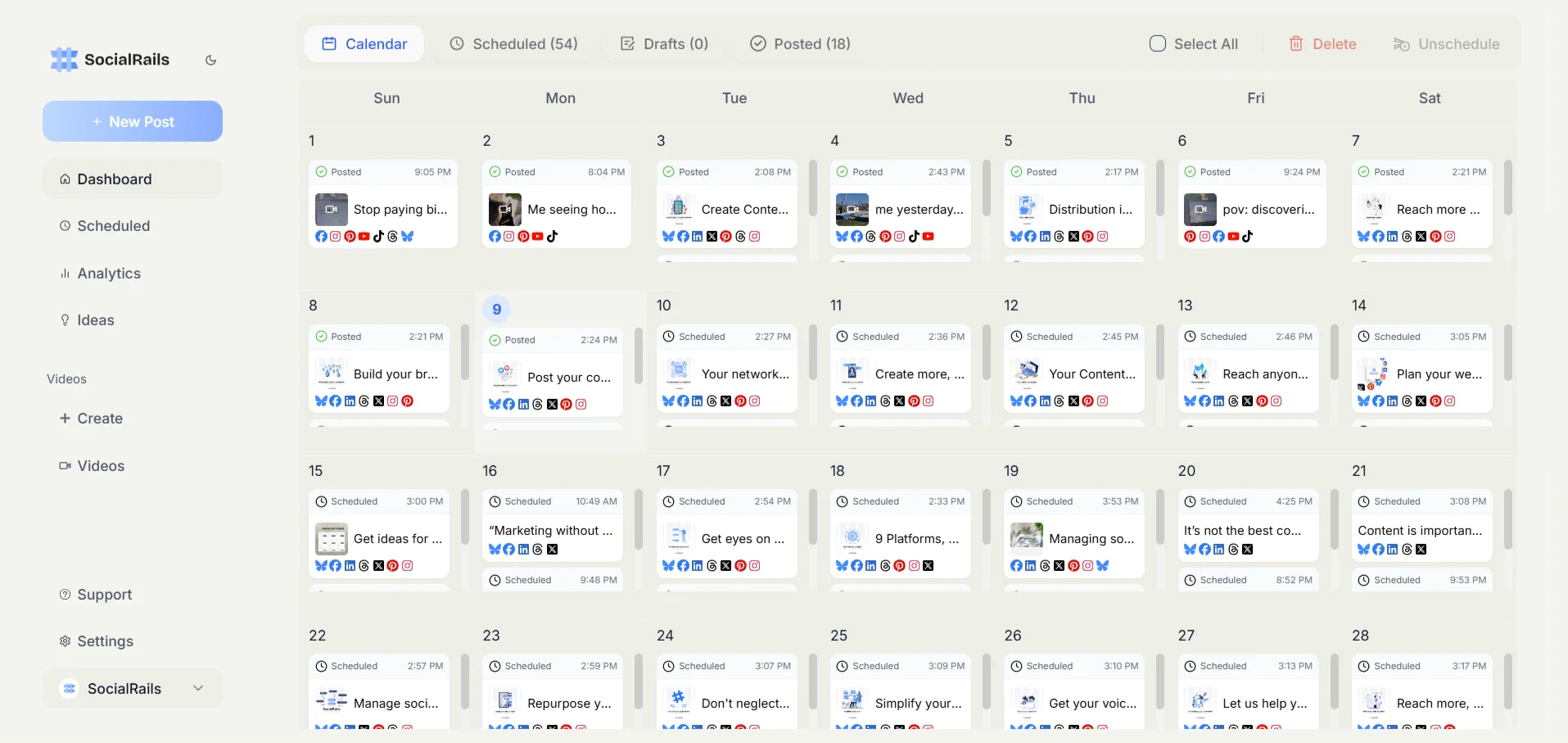

Quick Verdict
Bottom line: The free plan covers casual use. Pro is worth it if you need premium templates and stock, Brand Kits or more AI. Business is for teams who need collaboration and approvals. If social publishing is your main job, pair Canva with a dedicated scheduler.
Does Canva Have a Free Plan?
Yes. Canva Free is permanent, and Canva's pricing page lists:
- Drag-and-drop editor with 1,000+ design types
- 1.6M+ templates
- 4.7M+ photos, videos, graphics and audio
- 1 Brand Kit (3 colors only)
- Up to 20 Standard or Premium AI uses
- 5GB of cloud storage
- Access to Affinity
If you design occasionally, Free can last a long time.
Does Canva have a free plan?
Canva Pricing
Canva says yearly billing saves "from 16%". We are not quoting a yearly Pro price because published figures disagree; check the checkout in your region. Canva Teams is no longer available for new sign-ups: Canva's FAQ says existing Teams customers stay on it unless they switch, and Business is the plan that replaced it. K-12 schools and not-for-profits can get most premium features free.
For the full breakdown, see our Canva pricing guide.
What Each Paid Plan Adds
Pro
- 3.6M+ templates, including premium
- 141M+ premium photos, videos, graphics and audio
- AI tools such as resize, translate and background removal
- 5 Brand Kits
- Social content scheduling
- 100GB of cloud storage
- 10x more AI than Free, with the AI Pass add-on available at extra cost
Business
Everything in Pro, plus:
- Collaboration and team admin tools
- 100 Brand Kits and approvals
- Access to Flourish (data visualization)
- 500GB of cloud storage
- 20x more AI than Free, with AI Pass and AI top-ups available
- 10% off print orders, where Canva Print is offered
Enterprise
Enterprise adds security and controls, SSO and SCIM provisioning, custom apps and 1,000 Brand Kits with tiered approvals. Canva lists a dedicated success manager for customers with 150+ contracted seats.
How AI Works on Canva Now
Canva's AI tools draw on a shared allowance. Standard, Premium and Ultra AI tools use it at different rates, so the number of AI actions you get depends on which tools you use. Free gets up to 20 Standard or Premium uses; Pro gets 10x Free's allowance and Business 20x. If you run out, the AI Pass add-on (Pro and Business) and AI top-ups (Business) cost extra.
The practical point: heavy AI image or video generation can exhaust a Pro allowance, and the cost of more is an add-on, not a plan upgrade alone.
You keep running out of AI on Canva Pro. What does Canva offer?
Scheduling: Canva's Weak Spot
Pro includes social content scheduling through Canva's Content Planner, and Business adds approvals. It works for posting designs you made in Canva. Where it falls short against a dedicated scheduler is breadth: queues, per-platform options, analytics and managing many accounts across clients are what dedicated tools are built for.
If posting is a large part of your workflow, most teams design in Canva and publish from a scheduler.
Pros
- Permanent, usable Free plan. Unusual in design software.
- Huge template and stock library. 3.6M+ templates and 141M+ premium assets on paid plans.
- Fast drag-and-drop editing. New users are productive in minutes.
- AI built into the editor. Resize, translate and background removal on Pro.
- Brand Kits. 5 on Pro, 100 on Business.
- Free trials of Pro and Business.
Cons
- Scheduling is basic compared with dedicated tools.
- Everything can look "Canva". Popular templates are recognizable.
- Business is priced per person. A 10-person team is $250/month at the monthly rate.
- AI is a metered allowance. Heavy users may need the paid AI Pass.
- Prices vary by region, so a figure you read online may not match your checkout.
- Not a pixel-level editor. Retouching and print-grade work still call for professional design software.
What's the biggest Canva limitation for solo social media managers?
Who Should Use Canva
Good fit:
- Solo creators who post often and care about visuals
- Small businesses designing across print and social
- Marketing teams that need shared Brand Kits and approvals (Business)
- K-12 schools and not-for-profits, which can get most premium features free
Not a good fit:
- Designers who need pixel-level control
- Teams whose main job is publishing to many social accounts
- Brands that want to avoid a template look
Final Verdict
Canva is the default choice for template-first design, and the Free plan is genuinely useful. Pro at $18/month is reasonable if you design regularly. Business at $25 per person is the team plan now that Teams is closed to new customers, and its per-person pricing adds up quickly for larger teams.
The weak spot is social publishing. If posting is a big part of your workflow, pair Canva with a dedicated scheduler.
Pairing Canva With a Scheduler
SocialRails has its own image editor and 350+ video templates, but it is not a Canva replacement for design work. If you want AI to produce whole campaigns instead, see our Simplified review (from $79/month). More options in best AI tools for social media.
FAQ
Is Canva worth it in 2026?
The Free plan is worth using for almost anyone. Pro at $18/month is worth it if you use premium templates and stock, Brand Kits or Canva's AI regularly. Business at $25 per person a month suits teams that need collaboration and approvals.
Does Canva have a free plan?
Yes. Canva Free is permanent and includes 1.6M+ templates, 4.7M+ photos, videos, graphics and audio, 1 Brand Kit (3 colors), up to 20 Standard or Premium AI uses and 5GB of storage.
What happened to Canva Teams?
Canva Teams is no longer available for new sign-ups or upgrades. Existing Teams customers stay on their plan unless they switch or cancel. Canva Business is the plan for teams now.
What's the difference between Canva Free and Pro?
Pro adds premium templates (3.6M+ in total) and 141M+ premium assets, AI tools such as background removal, 5 Brand Kits, social content scheduling, 100GB of storage and 10x Free's AI allowance.
Can Canva schedule social media posts?
Yes. Pro and above include social content scheduling through Content Planner. It suits posting Canva designs; teams managing many accounts usually add a dedicated scheduler.
Is Canva AI unlimited?
No. AI tools use a shared monthly allowance: up to 20 Standard or Premium uses on Free, 10x that on Pro and 20x on Business. The AI Pass add-on adds more at extra cost.
Can I use Canva for commercial work?
Generally yes, but individual premium elements carry their own licence terms. Check the licence before using an asset in paid client work or merchandise.
Was this article helpful?
Let us know what you think!