

Simplified Review 2026: The AI Agent Platform, Pricing, Pros & Cons

Quick verdict: Simplified is no longer the "Canva plus scheduler plus AI writer" it was sold as for years. It now positions itself as agentic marketing: you brief its AI agent, Riley, and get back a campaign of designs, video, captions, email and a posting schedule. It prices by campaigns, from $79/month for 5. That suits a small team that wants AI to produce the work. It is an expensive way to schedule content you already make.
Disclosure: SocialRails, which publishes this review, is a social media scheduler. Facts below are from Simplified's own site, checked 28-29 October 2026.
Create content, post everywhere
Create captions, images, and videos with AI. Schedule to 9 platforms in seconds.
Start your free trial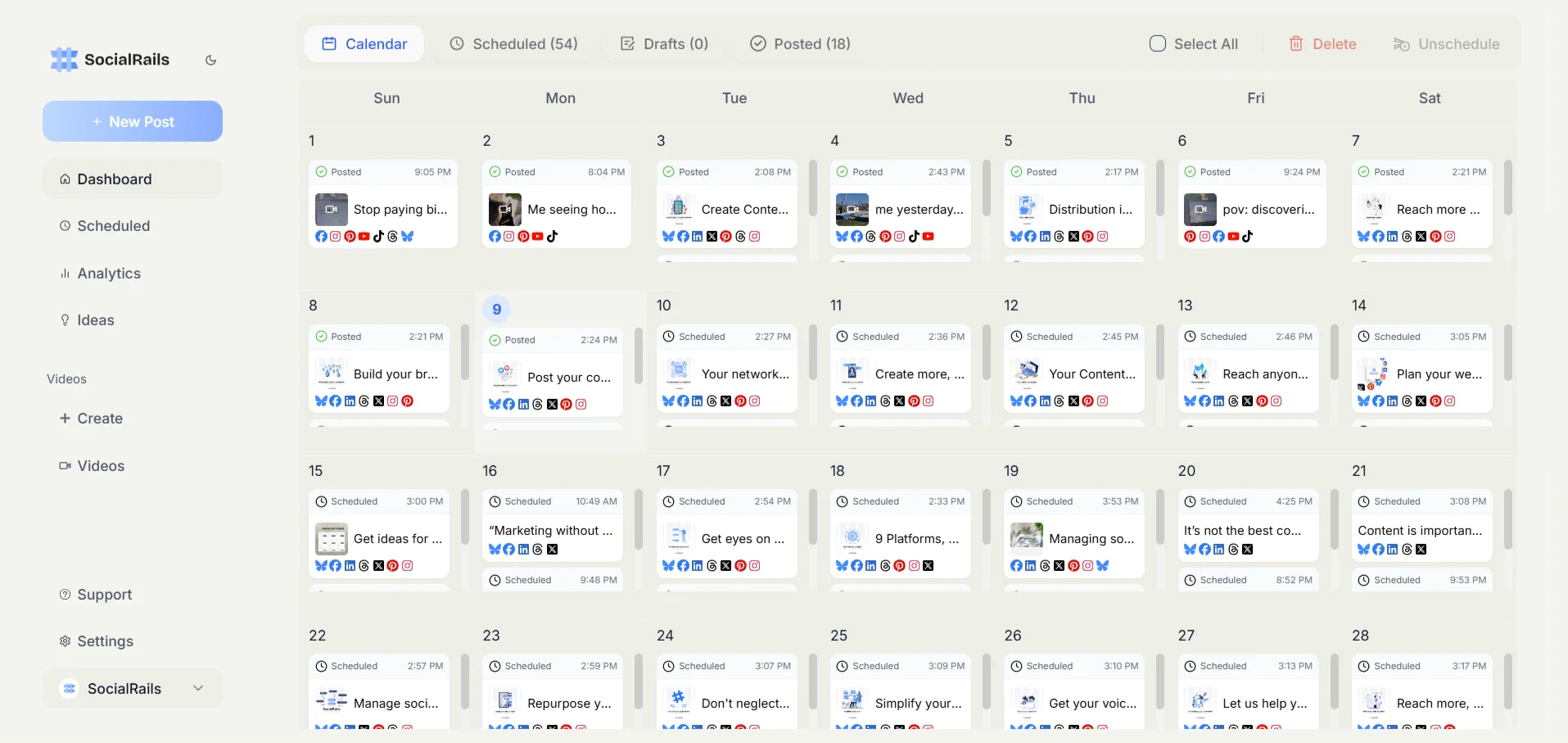

What Simplified is now
Simplified's homepage headline is "Your marketing team, in every agent." The product is built around Riley, an AI agent that takes a brief and returns finished work, plus Agent Studio for building your own agents. The modules it lists:
The scheduler page lists Instagram, TikTok, X, LinkedIn, Facebook, YouTube, Pinterest, Threads and Google Business as destinations, with Reels, Stories, carousels, Facebook Groups and YouTube Shorts as formats. The homepage no longer names a standalone design editor or a social inbox.
Pricing
Simplified prices by campaigns per month, where a campaign is the full package of copy, design, video and scheduling the agents produce.
Extra campaigns are $10 each, and unused campaigns do not roll over. Starter caps AI output at 100K words, 100 designs and 50 videos a month; Pro and Business list those as unlimited. The pricing page states only the Starter price, so we do not quote Pro or Business. The free plan and the $19 to $49 plans that older reviews describe are no longer on the pricing page.
Full breakdown: Simplified pricing guide.
What Simplified does well
It produces the content, not just the schedule. Most schedulers expect you to arrive with finished posts. Simplified's pitch is that you arrive with a brief. If your bottleneck is making content at all, that is a real difference.
One brief covers several channels. A single request can return social posts, a video cut, an email and ad creative in the same brand kit, which is the work a small team would otherwise stitch together from three or four tools.
Approvals and client workspaces are built in. Drafts wait for sign-off before anything ships, and agencies get one workspace per client. External client approval is listed on Business.
Broad network coverage. Nine destinations including Threads and Google Business, plus Meta and Google ads.
Where it falls short
You pay for production whether you use it or not. The unit is the campaign. If you write your own posts and only need them scheduled, $79 buys 5 AI-produced campaigns you may never request.
Campaign caps are the real limit. "Unlimited" AI words, designs and videos on Pro and Business still sit inside 15 or 40 campaigns a month. Heavy output means buying extra campaigns at $10 each or moving up a plan.
Pro and Business prices are hard to pin down. The pricing page shows only Starter's price, and its underlying data disagrees with itself. Budget from a demo or a checkout page, not from a third-party article.
Seven accounts on Starter. A brand on Instagram, Facebook, LinkedIn, TikTok, X, YouTube and Pinterest has already used them all.
AI output still needs a human. That is true of every tool in this category, and it matters more when the agent is producing the whole campaign rather than a caption.
Who should use Simplified
Good fit:
- Small teams that want AI to produce campaigns end to end and will review rather than create
- Marketers who need ad creative, short video and email from the same brief as their social posts
- Agencies running a handful of campaigns per client who want approvals and per-client workspaces
Look elsewhere if you:
- Already create your own content and mainly need to publish it
- Post often across many accounts on a tight budget
- Need a design editor as the centre of your workflow (see the Canva review)
Simplified vs a scheduler
Choose Simplified if you want the AI to make the campaign. Choose a scheduler if you make the content and need it published reliably at a lower price. See Simplified alternatives for more options on both sides.
Frequently Asked Questions
Is Simplified worth the money?
If you want AI agents to produce whole campaigns and you will use most of your monthly campaigns, it can be. If you mainly need to schedule content you already make, a scheduler costs less: Simplified Starter is $79/month for 5 campaigns.
Does Simplified still have a free plan?
Its pricing page does not show one (checked October 2026). The free plan and the $19 to $49 plans older reviews describe are no longer listed.
Does Simplified have unlimited AI?
Pro and Business list unlimited AI words, designs and videos. Starter caps them at 100K words, 100 designs and 50 videos a month. Every plan is limited by its campaign count: 5, 15 or 40 a month, with extra campaigns at $10 each.
What is Riley?
Riley is Simplified's AI marketing agent. You give it a brief and it returns a campaign: designs, video, captions, email and a posting schedule, built from your brand kit.
Is Simplified better than Canva?
They now do different jobs. Canva is a design editor you work in. Simplified is an agent platform that produces the content for you and schedules it. If you want hands-on design, Canva fits better.
Bottom line
Simplified has stopped competing with Canva and Buffer on their terms and now sells AI-produced campaigns. Judge it on that: if a brief-in, campaign-out workflow saves your team real hours, Starter at $79 for 5 campaigns is a reasonable test. If you only need to publish, you are paying for an agent you will not use.
Create content, post everywhere
Create captions, images, and videos with AI. Schedule to 9 platforms in seconds.
Start your free trialRelated
- Simplified Pricing
- Simplified Alternatives
- Canva Review
- Canva Pricing
- Predis Review
- Predis Pricing
- Buffer Review
- Later Review
- Best Buffer Alternatives
Was this article helpful?
Let us know what you think!