

Post Bridge Review 2026: Features, Pricing, Pros & Cons

TL;DR: Post Bridge is a no-frills scheduler: $39/month for 15 accounts across 10 platforms, unlimited posts, and an API. It does not write your content for you.
Disclosure: SocialRails, which publishes this review, is also a social media scheduler.
Create content, post everywhere
Create captions, images, and videos with AI. Schedule to 9 platforms in seconds.
Start your free trial
Quick Verdict
Skip to: Pricing · Features · Pros/Cons · Verdict
Who Is Post Bridge For?
Good fit:
- You manage up to 15 accounts and want one flat price
- You post to TikTok, Threads, Bluesky or Google Business
- You want an API or to connect an AI agent to your scheduler
- You write your own captions
Bad fit:
- You want AI to help write posts
- You need mature analytics (Post Bridge's are labelled beta)
- You need approvals or white-label reporting
- You only run 2 or 3 accounts, where cheaper options exist
Pricing
Checked on Post Bridge's pricing page on 27 October 2026.
Yearly billing gives two months free. New customers get a 7-day free trial. Post Bridge's FAQ mentions that free users can make 5 posts a month.
Older reviews quote $29 and $49 plans, or prices under $25. Those tiers have been replaced.
Post Bridge vs per-channel pricing
Buffer charges $5 to $6 per channel per month on Essentials, depending on billing period.
Break-even: around 7 or 8 accounts. Below that, per-channel pricing is cheaper.
You run 12 accounts and want unlimited posts. What does Post Bridge cost?
What Post Bridge Does
10 platforms
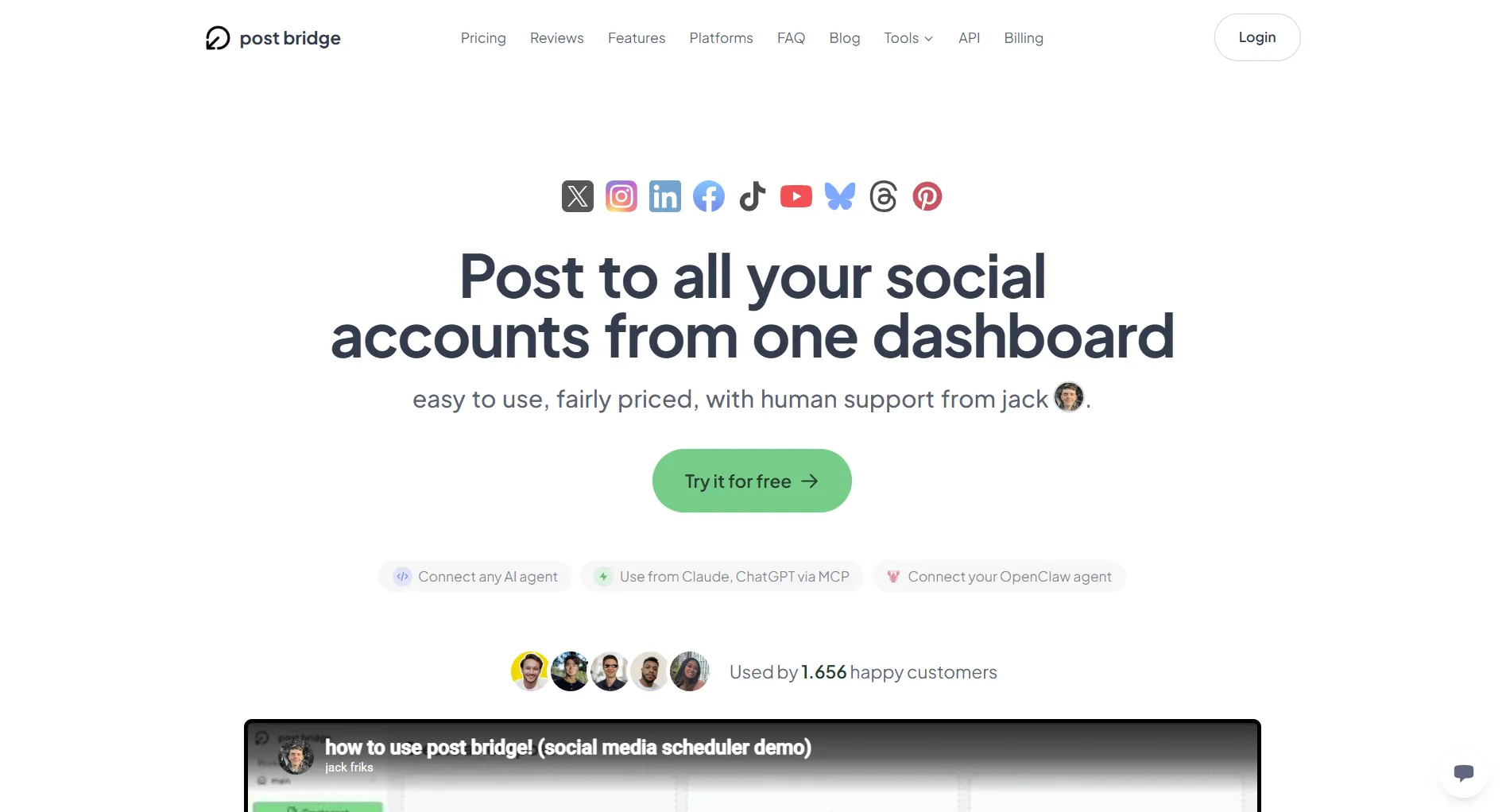
X, Instagram, LinkedIn, Facebook, TikTok, YouTube, Bluesky, Threads, Pinterest and Google Business. That is wide coverage at this price, and Google Business in particular is missing from many schedulers.
Unlimited posts
No monthly post cap on either paid plan, which matters if you post the same video to several networks every day.
API and agent access
Marketer includes API access and "MCP agent connect", so developers and AI agents can schedule posts programmatically. That is rare at $39.
Simple interface
Connect accounts, write a post, pick networks, schedule. There is little to learn.
What Post Bridge Lacks
AI writing. Post Bridge's pricing page lists no caption or post generator. You write everything yourself, or connect your own AI through the API.
Mature analytics. Analytics are included but labelled beta.
Team workflow on the entry plan. Team invitations come with Operator at $99/month. There is no approval workflow listed.
Video creation. Post Bridge publishes video; it does not help you make it.
You want AI to help write captions. Does Post Bridge do that?
Pros and Cons
Post Bridge vs Alternatives
Choose Post Bridge for 11 to 15 accounts, Google Business, or MCP agent connect. Choose SocialRails for up to 10 accounts with AI captions and video templates for $10 less a month. Choose Buffer for 1 to 6 channels.
Final Verdict
Post Bridge is a good choice if:
- You run 8 to 15 accounts
- You post to Google Business or Bluesky alongside the big networks
- You want API or AI-agent access
- You are happy writing your own posts
Look elsewhere if:
- You want AI help with captions and visuals
- You need approvals or mature analytics
- You run fewer than about 7 accounts
If you want AI captions and 350+ video templates for up to 10 accounts at $29/month, try SocialRails.
Create content, post everywhere
Create captions, images, and videos with AI. Schedule to 9 platforms in seconds.
Start your free trialFAQ
How much does Post Bridge cost?
On 27 October 2026, Marketer was $39/month for 15 accounts and Operator was $99/month for 99 accounts plus $1 per extra account. Yearly billing gives two months free, and there is a 7-day trial.
Does Post Bridge have a free plan?
Its FAQ says free users can make 5 posts a month. The paid plans come with a 7-day free trial.
Is Post Bridge cheaper than Buffer?
From about 8 accounts, yes. Below that, Buffer's per-channel pricing costs less.
Does Post Bridge have AI?
There is no built-in AI writer on its pricing page. Marketer includes API access and MCP agent connect, so you can connect your own AI tools.
Related
- Post Bridge Pricing 2026
- Post Bridge Alternatives
- Buffer Alternatives
- Cheaper Than Buffer
- Best Social Media Schedulers
Was this article helpful?
Let us know what you think!