

Cheaper Than Buffer? When a Flat-Price Scheduler Saves Money (2026)

Buffer charges per social channel, so your bill depends on how many accounts you connect. That makes it one of the cheapest schedulers for two or three accounts and one of the more expensive ones once you manage ten.
This page works out where the crossover is. Disclosure: SocialRails is our product and is the flat-price tool compared here. Buffer is the better deal in several of the cases below, and we say so.
For Buffer's features rather than its price, see our Buffer review.
Buffer Pricing in 2026
Checked on Buffer's pricing page on 27 October 2026.
Why a range? Buffer's page shows Essentials at "$5/month" next to "$60 billed yearly" and also says annual billing saves two months. Those cannot all be true, and third-party sources split on whether $5 is the monthly or the annual rate. Expect $5 on annual billing and up to $6 on monthly. The same applies to Team at $10 to $12.
Buffer also says channels above 10 cost less per channel, but its pricing page does not publish that rate. There is no separate Agency plan on the page.
Buffer supports 12 networks: Bluesky, Facebook, Google Business Profile, Instagram, LinkedIn, Mastodon, Pinterest, Substack, Threads, TikTok, X and YouTube.
What Buffer costs at different sizes
Above 10 channels Buffer discounts each extra channel, so these figures stop scaling in a straight line.
Create content, post everywhere
Create captions, images, and videos with AI. Schedule to 9 platforms in seconds.
Start your free trial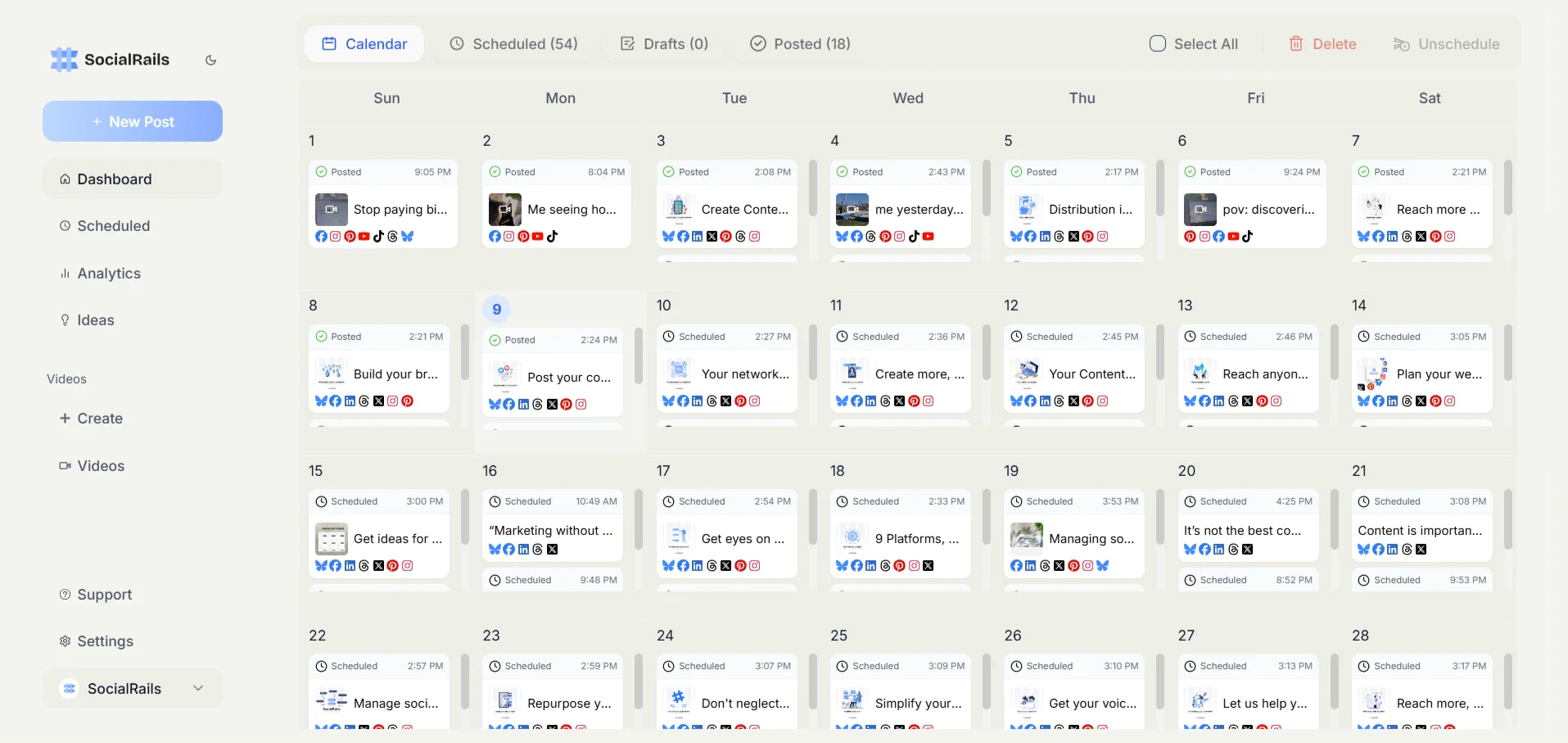
SocialRails Pricing
SocialRails charges a flat monthly price for a bundle of accounts, whichever networks they are on.
Every plan includes unlimited posts, AI captions and images, 350+ video templates and recurring posts, across 9 platforms: X, LinkedIn, Pinterest, Bluesky, Threads, Instagram, Facebook, YouTube and TikTok. There is a 3-day trial and no free plan.
Where the Crossover Is
Solo user: Buffer Essentials vs SocialRails Creator
Rule of thumb: below 5 channels, Buffer is cheaper. From 6 channels up, the flat price wins, and the gap widens with every account you add up to Creator's 10.
Small team: Buffer Team vs SocialRails Business
The catch is seats. Buffer Team includes unlimited team members. SocialRails Business includes 5 and Agency includes 15. A team of 20 people posting to 3 channels is far cheaper on Buffer.
You run 8 social accounts on your own. Roughly what does Buffer Essentials cost compared with SocialRails Creator?
💡 Tip: Think carefully before selecting your answer!
When Buffer Is the Better Deal
- You need 3 channels or fewer. Buffer's free plan covers you, and nothing beats free.
- You run 4 or fewer channels on a paid plan. Essentials costs less than $29.
- Your team is large and your channel count is small. Unlimited team members on Team is hard to beat for big teams with few accounts.
- You post to Google Business Profile, Mastodon or Substack. Buffer supports them; SocialRails does not.
- You want simplicity above everything. Buffer's interface is among the easiest to learn, and its AI Assistant is included even on the free plan.
When a Flat-Price Tool Is the Better Deal
- You manage 6 or more accounts on your own. Creator covers 10 for $29.
- You run 5 to 20 accounts with a team of up to 5. Business covers 20 accounts for $49, while Buffer Team at 10 channels is already $100 or more.
- You add networks often. With a flat price, trying Threads or Bluesky costs nothing extra.
- You make short-form video. SocialRails includes 350+ video templates in every plan.
Switching From Buffer
- List your connected channels and note which networks they are on, so you know which plan you need.
- Note your queue. Plan to rebuild your upcoming posts in the new tool. Evergreen posts are worth setting up as recurring posts once, rather than re-adding them every month.
- Start the trial of the new tool and connect your accounts.
- Run both side by side until the new queue is full, then cancel Buffer before its next renewal.
Frequently Asked Questions
How much does Buffer cost per channel?
On 27 October 2026, Essentials was $5 to $6 per channel per month and Team $10 to $12, depending on billing period. Buffer's own page is inconsistent about which figure is monthly and which is annual. Channels above 10 are discounted at a rate Buffer does not publish.
When is Buffer cheaper than a flat-price scheduler?
For a solo user, below about 5 channels. Buffer is free for up to 3 channels and Essentials costs less than $29/month up to 4. For teams, Buffer is cheaper when the team is large and the channel count is small, because Team includes unlimited members.
What is Buffer's free plan limit?
3 channels and 10 scheduled posts per channel. The free plan includes Buffer's AI Assistant.
Does Buffer have AI?
Yes. Buffer's AI Assistant is included on every plan, including Free.
Is there a free Buffer alternative?
Buffer's own free plan is the most generous of the major schedulers for 3 channels. SocialRails has no free plan; it offers a 3-day trial.
Bottom Line
Buffer is not expensive. Per-channel pricing is. Under 5 channels, or with a big team and few accounts, Buffer is hard to beat. Past that, a flat price saves money every month.
If you run 6 or more accounts, try SocialRails: 10 accounts on 9 platforms for $29/month.
Related
- Buffer Pricing
- Buffer Review
- Buffer Alternatives
- Buffer vs SocialRails
- Best Social Media Schedulers
- Hootsuite Alternatives
Create content, post everywhere
Create captions, images, and videos with AI. Schedule to 9 platforms in seconds.
Start your free trialWas this article helpful?
Let us know what you think!