

Instagram Grid Layout Ideas for 2026 (New Vertical Format)

Important: Instagram's New Grid Format
In January 2025 Instagram replaced the traditional 1:1 square profile grid with a 3:4 vertical format. Adam Mosseri's reasoning was that most uploads are already vertical and "cropping it down to square is pretty brutal". It had been in testing during late 2024, so you will see both dates quoted; the rollout was January 2025.
Dimensions to know:
- Grid preview: 3:4 ratio. Published pixel widths vary slightly between sources, so work from the ratio rather than an exact number
- Recommended post size: 4:5 ratio (1080 × 1350 pixels), which is the figure worth remembering because it is what you actually upload
- Safe zone: keep key visuals centred, so they survive whichever crop is applied
This update disrupted traditional puzzle and mosaic layouts where posts formed one large image. If you use mosaic layouts, you will need to redesign them for the taller format.
You Can Now Reposition Each Thumbnail: Adjust Preview
This is the part that changes the advice, and most grid guides predate it. In late February 2026 Instagram rolled out Adjust Preview, which lets you choose how an existing post is cropped in your profile grid, without editing or reposting anything.
How to use it: open your profile, tap the post, tap the three-dot menu, choose Adjust Preview, then drag the image to reposition it inside the 3:4 frame. There is also a Background toggle that adds a subtle border for images that do not fill the frame.
Why it matters here: the standard advice, including the version this page used to give, was to design everything in 3:4 from the start and keep the subject dead centre, because Instagram's automatic crop would otherwise cut heads off. That is now a fallback rather than the only option. You can fix a bad crop after the fact, which makes the older "your grid is locked in once you post" framing wrong.
Two limits worth knowing:
- It changes only the thumbnail, not the post. Someone opening the post sees the original framing
- You still cannot rearrange your grid. Instagram has said reordering is in development, but as things stand posts appear in the order you published them, so planning order still matters
Quick Grid Layout Guide
Popular Instagram Grid Layouts:
- Checkerboard pattern for alternating content types
- Row by row themes with consistent patterns
- Color-coordinated or gradient feeds
- Diagonal patterns connecting corners
- Puzzle/Mosaic layouts (now require 3:4 format planning)
Strategy: Plan 9 posts at a time to see full grid impact Tools: Use our Instagram Grid Maker for preview Tip: Design with the vertical preview in mind, keeping important elements in the centre of your image. If a published post is cropped badly, use Adjust Preview rather than reposting
Create content, post everywhere
Create captions, images, and videos with AI. Schedule to 9 platforms in seconds.
Start your free trial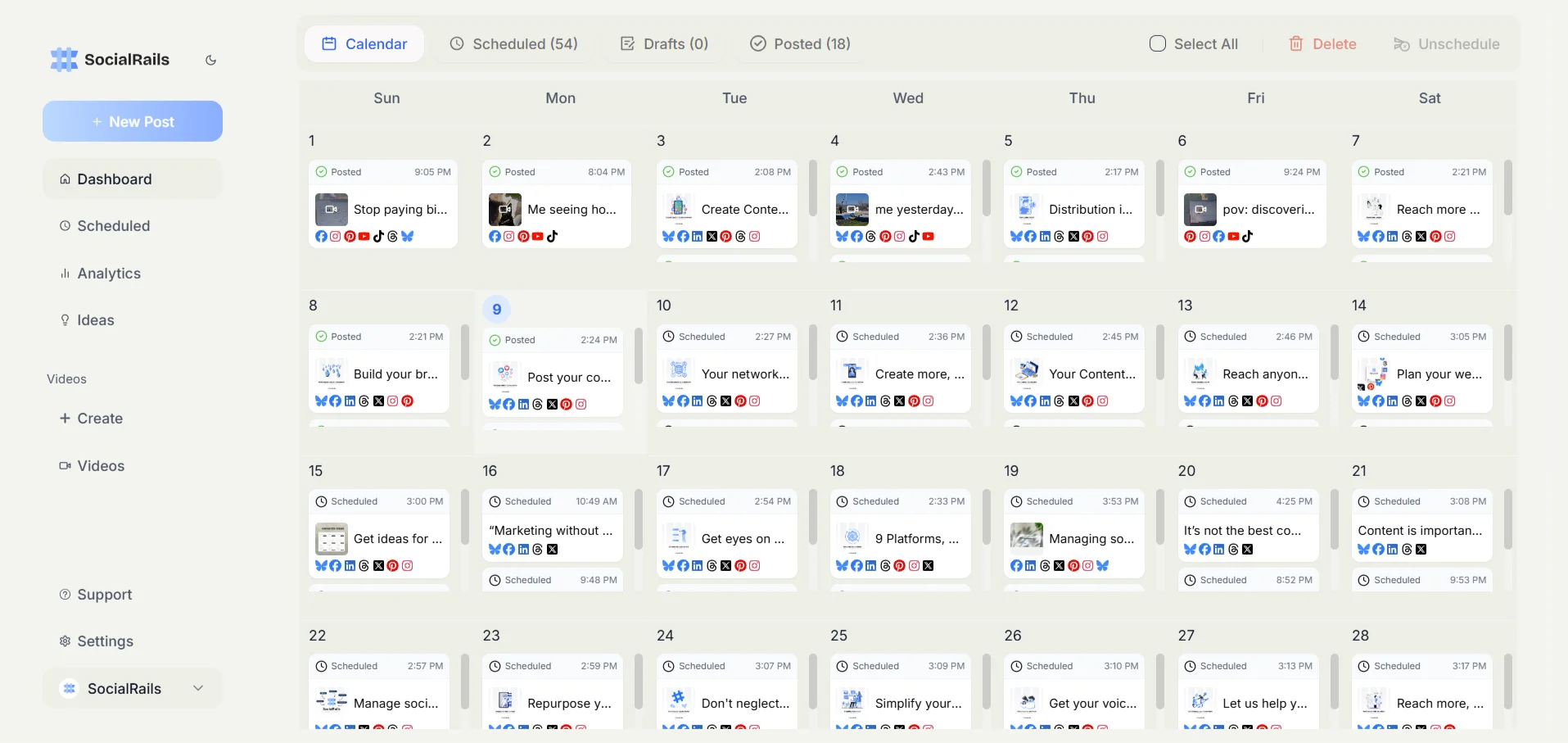
Popular Instagram Grid Layout Patterns
Puzzle and Mosaic Layouts (Updated for 2026)
Important: The 2025 grid format change from square to 3:4 vertical disrupted many traditional mosaic layouts. If you use puzzle layouts, plan for the new vertical format.
Connected Image Grids:
- Three-image panorama across a row (still works, but now taller)
- Nine-square mosaic creating one large image (requires redesign for 3:4)
- Diagonal patterns connecting corners (less affected by format change)
- Vertical strips creating columns of related content
Planning Puzzle Layouts for the New Format:
- Design in 3:4 ratio from the start, not square
- Keep key elements centered in the middle 60% of each tile
- Test your layout before posting. Preview tools are essential
- Consider that old puzzle layouts may look broken on the new grid
- Use Adjust Preview to align tiles after posting. This is where the feature earns its keep: a mosaic only works if the seams line up, and you can now nudge each tile's crop until they do instead of deleting and reuploading the whole set
Puzzle Layout Benefits:
- Creates anticipation for the next post
- Encourages profile visits to see complete image
- Strong visual impact when viewing full grid
- Works well for product showcases and campaign launches
💡 Pro Tip: Optimize your images with our Instagram Photo Resizer to ensure perfect grid sizing. Learn more about Instagram image sizes.
Recommended Grid Planning Tools: Planoly pioneered Instagram grid preview and remains the gold standard for visual planning. Plann offers similar visual planning with unique hashtag sets and content buckets. See Plann pricing for costs. Pallyy and Hopper HQ also offer excellent features. Compare options in our Planoly vs Later, Later vs Plann, or Planoly pricing guide.
Checkerboard Patterns
Alternating Content Strategy:
- Quote and photo alternating pattern
- Product and lifestyle switching layout
- Color A and Color B repeating pattern
- Text and image checkerboard design
Checkerboard Applications:
- Business accounts mixing products and behind-the-scenes
- Personal brands alternating quotes and lifestyle
- Educational accounts mixing tips and visuals
- Service businesses alternating work samples and team photos
Consider using carousel posts as part of your checkerboard pattern to increase engagement. Note that Boomerangs are a Stories format and do not sit in your profile grid, so use Reels if you want motion in the grid itself. Generate perfect captions with our Instagram Caption Generator.
🌈 Color-Coordinated Grid Layouts
Rainbow Feed Strategies
Color Pattern Options:
- Row by row color themes
- Diagonal color progression
- Vertical columns of same colors
- Gradient transitions between posts
Color Coordination Tips:
- Choose 3-5 main colors for your brand palette
- Use photo editing to match color tones with our Instagram Photo Quality Checker
- Plan seasonal color transitions
- Maintain color balance across the entire grid
Understanding Instagram's algorithm helps you time your posts for maximum visibility. Check out how to get more Instagram likes and learn how to get more views on Instagram for additional strategies. Protect your unique content with watermarks.
Monochromatic Themes
Single Color Dominance:
- All white aesthetic for minimalist brands
- Black and white for classic, timeless look
- Single brand color with neutral accents
- Sepia or vintage tones for nostalgic feel
Monochrome Success Factors:
- Consistent filter application across all posts
- Texture and pattern variation to avoid monotony
- Strategic accent colors for important posts
- Lighting consistency in all photos
📐 Structured Grid Layout Ideas
Row-Based Themes
Three-Row Pattern Ideas:
- Top row: Behind-the-scenes content
- Middle row: Product or service highlights
- Bottom row: Customer testimonials or results
Row Theme Examples:
- Educational content in top row
- Inspirational quotes in middle row
- Personal/lifestyle content in bottom row
Column-Based Layouts
Three-Column Strategies:
- Left column: Educational content
- Middle column: Featured products or services
- Right column: Personal or behind-the-scenes
Column Layout Benefits:
- Easy content categorization for followers
- Consistent user expectations for each column
- Simple planning process with clear categories
- Professional appearance for business accounts
📱 Feed Layout Strategies by Account Type
Business Account Layouts
Service-Based Business Grid:
- Work samples showcasing your expertise
- Client testimonials and success stories
- Behind-the-scenes team and process content
- Educational tips related to your industry
- Company culture and values posts
Product-Based Business Grid:
- Product photography with consistent styling
- Lifestyle shots showing products in use
- Customer photos and user-generated content
- Production process behind-the-scenes
- Educational content about product benefits
Personal Brand Layouts
Influencer and Creator Grids:
- Personal lifestyle content
- Professional achievements and milestones
- Educational content in your niche
- Collaboration highlights with brands
- Community engagement posts
Professional Personal Brand:
- Industry expertise and thought leadership
- Professional milestones and achievements
- Networking events and conference content
- Educational content for your audience
- Personal insights and experiences
🛠️ Tools for Planning Instagram Grids
Grid Planning Applications
Free Grid Planning Tools:
- Meta Business Suite for scheduling (no grid preview, and it replaced the retired Creator Studio)
- Canva with Instagram grid templates
- UNUM for visual feed planning
- Planoly free tier for basic grid preview
- Preview App for Instagram feed planning
Premium Planning Tools:
- Later for advanced grid planning and scheduling
- Hootsuite for team collaboration on grids
- Buffer for grid preview and scheduling
- SocialRails for automated grid optimization
- Sprout Social for enterprise grid management
Design Tools for Grid Content
Content Creation Tools:
- Canva for consistent design templates
- Adobe Creative Suite for professional design
- Over for mobile graphic design
- PicMonkey for photo editing and design
- Figma for collaborative design work
📊 Instagram Grid Best Practices
Visual Consistency Guidelines
Maintaining Cohesive Aesthetics:
- Use consistent filters or editing style
- Maintain similar lighting across photos
- Choose complementary colors for your palette
- Keep consistent spacing and composition
- Plan content mix ratios (photos, graphics, videos)
Content Balance Strategies
Grid Content Ratios:
- 60% original content showcasing your brand
- 20% behind-the-scenes content for authenticity
- 20% user-generated or curated content
- Mix content types (photos, carousels, videos)
- Balance promotional and educational content
Posting Schedule for Grid Success
Strategic Posting Timing:
- Plan 9 posts ahead to see grid impact
- Post consistently to maintain grid flow
- Consider time zones of your target audience
- Use scheduling tools to maintain consistency
- Monitor engagement patterns for optimal timing
💡 Creative Grid Layout Ideas
Themed Grid Concepts
Monthly Theme Ideas:
- Color of the month coordinating all posts
- Behind-the-scenes month showing business processes
- Customer spotlight month featuring client stories
- Educational series with consistent design
- Seasonal content matching current events
Interactive Grid Elements
Engagement-Boosting Layouts:
- Swipe carousel instructions across grid
- Story continuation prompting profile visits
- Question posts encouraging comment engagement
- Before and after comparisons across posts
- Step-by-step tutorials split across multiple posts
Seasonal Grid Adaptations
Holiday and Season Planning:
- Christmas red and green color coordination
- Spring pastel color transitions
- Summer bright and vibrant themes
- Fall warm tone color palettes
- Back-to-school educational content focus
🔗 Instagram Visual Strategy Resources
Instagram Design:
- Instagram Image Sizes and Aspect Ratios for optimal dimensions
- Best Instagram Profile Pictures for profile optimization
- Instagram Carousel Posts Guide for multi-image posts
Instagram Strategy:
- Best Instagram Marketing Strategies for business growth
- Instagram Stories Best Practices for story integration
- How to Get More Instagram Likes for engagement
Free Instagram Tools:
- Instagram Grid Maker for planning layouts
- Instagram Caption Generator for captions
- Instagram Hashtag Generator for visibility
Frequently Asked Questions
How often should I plan my Instagram grid layout?
Plan your Instagram grid 1-2 weeks in advance, focusing on 9 posts at a time to see the full grid impact. This allows you to maintain visual consistency while staying flexible for timely content.
What's the best Instagram grid layout for businesses?
Column-based layouts work best for businesses, with each column dedicated to specific content types like products, behind-the-scenes, and customer testimonials. This creates clear expectations and professional organization.
Do I need special apps to create Instagram grid layouts?
While not required, grid planning apps like UNUM ($7/mo), Later, or Planoly help visualize your feed before posting. UNUM offers excellent grid preview at the lowest price. Canva helps with design consistency. Note that Facebook Creator Studio, which older guides suggest for this, was retired by Meta in 2024, and its replacement Meta Business Suite has no grid preview.
Should I stick to one Instagram grid pattern forever?
No, you can evolve your grid pattern as your brand grows. Many successful accounts transition between different layouts seasonally or as their content strategy changes, maintaining overall visual consistency.
How do I maintain grid consistency with user-generated content?
Use consistent filters or editing styles on reposted content, maintain your color palette, and strategically place user-generated content to complement your planned posts rather than disrupt your visual flow.
What's the ideal content ratio for Instagram grid layouts?
Follow the 60/20/20 rule: 60% original brand content, 20% behind-the-scenes content for authenticity, and 20% user-generated or curated content. Mix content types including photos, carousels, and videos for engagement.
How important are Instagram grid layouts for account growth?
A cohesive grid layout significantly impacts first impressions when users visit your profile. It helps establish brand credibility, encourages follows, and creates a professional appearance that supports business goals.
Can I use different layouts for different social media platforms?
Yes, each platform has different optimal layouts. Instagram focuses on visual grids, while platforms like LinkedIn favor text-based content. Adapt your visual strategy to each platform while maintaining brand consistency.
See how interior designers use Instagram grids to book clients.
Ready to create a stunning Instagram grid that attracts followers and builds your brand? SocialRails provides Instagram grid planning, visual consistency tools, and automated posting schedules to help you maintain a beautiful, cohesive Instagram feed that grows your audience and engagement.
Was this article helpful?
Let us know what you think!