

Automated Social Media Posting: How It Works, Tools and Rules (2026)

Automated social media posting means writing posts ahead of time and letting software publish them for you. Done well, it turns a daily scramble into one planning session a week. Done badly, it gets accounts restricted or leaves a feed full of posts nobody answers.
This guide covers what automation can and cannot do, what the platforms allow, the tools worth considering and what they cost, and a setup you can copy.
Disclosure: SocialRails, which publishes this guide, is a social media scheduler and is one of the tools listed.
Create content, post everywhere
Create captions, images, and videos with AI. Schedule to 9 platforms in seconds.
Start your free trial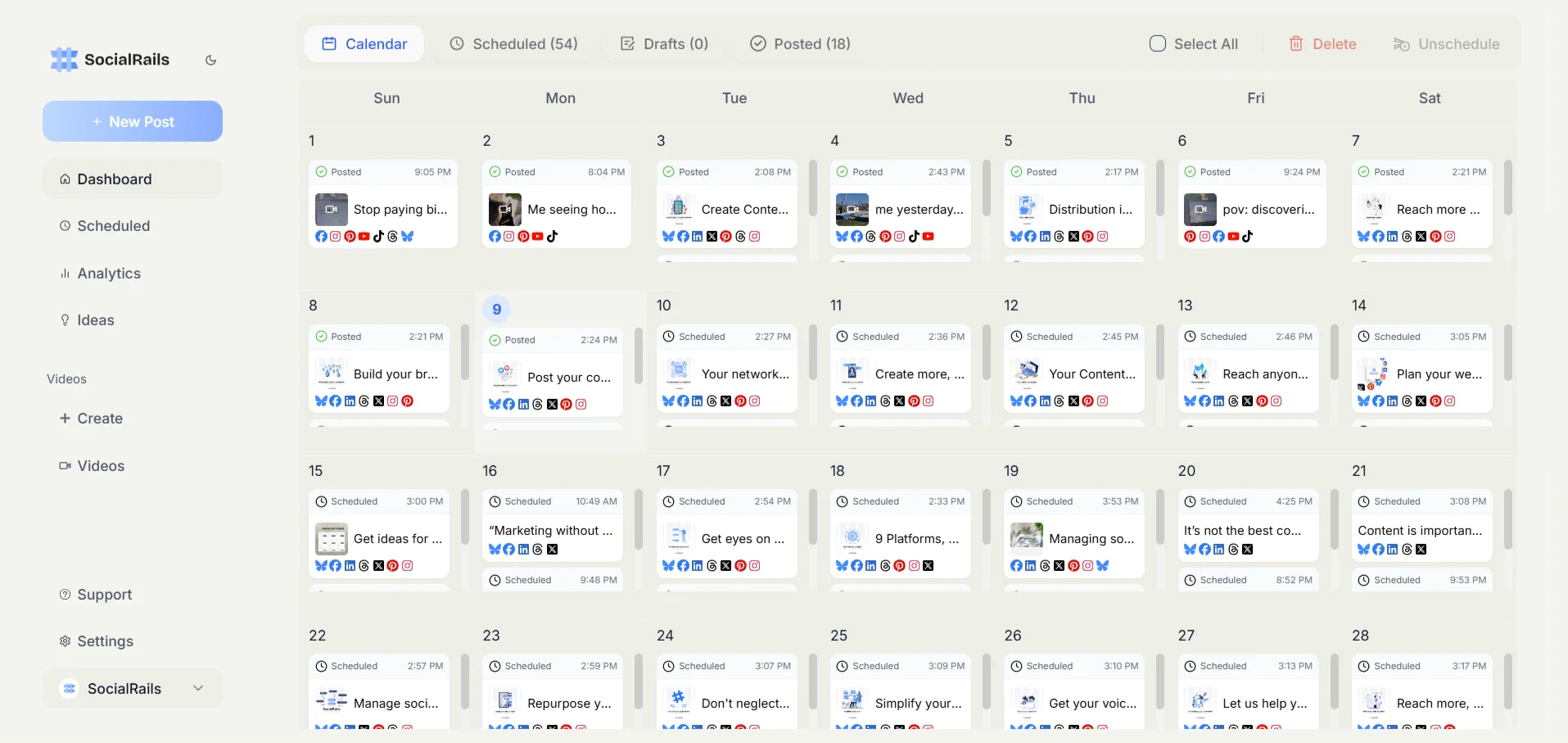
What Automated Posting Is, and What It Is Not
It is: scheduling posts so they publish at a set time, repeating evergreen posts, pulling new content in from a blog, feed or store, and publishing one post to several networks at once.
It is not: automating the conversation. Replies, comments and DMs are where the account earns attention, and they are also where automation is most likely to break platform rules.
A sensible split is to automate publishing and keep engagement human.
What Automation Saves
The saving comes from batching. Instead of opening each app every day, you:
- Write a week or a month of posts in one sitting (batching)
- Adapt each one for the network it goes to
- Schedule them all in one tool
- Spend a few minutes a day replying to people
How much time that saves depends on how many accounts you run and how often you post. The bigger win is consistency: posts still go out during a busy week, at night, or while you are away.
What the Platforms Allow
Scheduling through an official integration is allowed on every major network. The rules bite on duplication and on automated interaction.
X. X's automation rules prohibit posting duplicative or substantially similar posts, on one account or across several accounts you run, and prohibit automated replies triggered by keyword searches alone. Scheduling original posts is fine. Do not push the same text to several X accounts.
Instagram. Third-party tools publish through Meta's official API, which requires a Business or Creator account. Instagram has announced a limit of five hashtags in a post caption, rolling out gradually, so plan for five across the whole post.
LinkedIn. Schedule through LinkedIn itself or a tool using its official API. Avoid browser extensions that automate connection requests, likes or comments, which LinkedIn's terms do not allow. See how to schedule LinkedIn posts.
Facebook, TikTok, YouTube and Pinterest. All support scheduled publishing through their own tools and through approved third-party integrations.
The safe pattern everywhere:
- Use tools that connect through the platform's official login, never ones that ask for your password
- Write different text for each network and each account
- Do not automate likes, follows, comments or DMs
You run three X accounts for one business. Can you schedule the same post to all three?
💡 Tip: Think carefully before selecting your answer!
Automated Posting Tools Compared
Prices checked on each vendor's pricing page in October 2026.
Buffer is the easiest start, and free for 3 channels. Per-channel pricing adds up past five or six accounts. See Buffer vs SocialRails.
SocialBee is built around recycling: you sort posts into categories and it keeps the queue full.
SocialRails publishes to X, LinkedIn, Pinterest, Bluesky, Threads, Instagram, Facebook, YouTube and TikTok, with unlimited posts, recurring posts, AI captions and images, and 350+ video templates. It has no approval workflow and no social inbox.
Nuelink is the pick if you want posts generated from an RSS feed, a blog or a Shopify, WooCommerce or Etsy store.
Hootsuite and Sprout Social add a shared inbox, listening and deeper reporting, at team-tool prices.
For a fuller comparison, see the best social media schedulers.
How to Set Up Automated Posting
1. Pick your networks and tool
List the networks you actually post to, how many accounts, and whether anyone else needs access. That decides the tool more than any feature list.
2. Connect your accounts
Connect each account through the platform's own login window. For Instagram, switch to a Business or Creator account first.
3. Build a content mix
A simple weekly mix:
- Helpful or educational posts that answer your customers' questions
- Behind-the-scenes or people posts
- Product or offer posts, kept to a minority
- Reposts of customer content, with permission
4. Batch-write and adapt
Write the core idea once, then adapt it:
- LinkedIn: a practical angle, a short story, a few hashtags at most
- X: shorter, one point per post, or a short thread
- Instagram: visual first, caption second, up to five hashtags
- TikTok, Reels and Shorts: a vertical video with a hook in the first seconds
- Facebook: conversational, a question to invite comments
Use the hashtag analytics tool to pick a few relevant tags rather than many generic ones.
5. Schedule, starting with sensible times
Start with times your audience is likely awake: mornings, lunch and early evening in their time zone. After a few weeks, check your analytics and move posts toward the times that perform best for you. No general "best time" beats your own data.
6. Set up evergreen repeats
Posts that stay useful (guides, FAQs, offers that do not expire) can repeat every few weeks or months. Refresh the wording when you repeat them, and review the list each quarter to remove anything outdated.
7. Check in daily
Spend 10 to 15 minutes a day replying to comments and messages. This is the part not to automate.
Pulling Content in Automatically
Some tools create posts from a source:
- RSS and blogs: Blog2Social for WordPress, Nuelink, or Pinterest RSS feed automation
- Video repurposing: Repurpose.io sends one video to several networks
- No-code recipes: IFTTT and similar tools connect apps that have no native integration
Review anything generated automatically before it goes out, at least until you trust the output.
Common Mistakes
Posting identical text everywhere. It reads badly on most networks and breaks X's rules across multiple accounts. Adapt each post.
Never checking in. Scheduled posts that get comments and no replies waste the reach they earned.
Ignoring what worked. Look at results monthly and shift the mix toward what performs.
Automating engagement. Auto-likes, auto-follows and auto-DMs risk restrictions and annoy people.
Forgetting what is queued. Pause the queue during news events or a crisis, and update evergreen posts when prices or details change.
Checklists
Weekly
- Write and adapt next week's posts
- Schedule them and review the calendar
- Check that every account is still connected
Daily
- Reply to comments and messages
- Check that scheduled posts went out
Monthly
- Review analytics and adjust times and content mix
- Refresh or retire evergreen posts
FAQ
Is automated social media posting allowed?
Yes, when you schedule through official integrations. The platforms restrict duplicate content across accounts (X is explicit about this) and automated interaction such as likes, follows and keyword-triggered replies.
Does scheduling a post reduce its reach?
None of the major platforms say that scheduled posts are treated differently from posts published by hand. What hurts reach is content that does not get engagement, so keep replying to people.
What is the cheapest way to automate posting?
The platforms' own schedulers are free but only cover one network each. Buffer's free plan covers 3 channels. For more accounts on one flat price, SocialRails is $29/month for 10 accounts and Nuelink is $192/year for 10 channels.
Can I automate replies and comments?
Avoid it. Automated interaction is where platform rules are strictest, and replies are where real engagement happens.
Start Automating
Pick one tool, connect your two or three most important accounts, and schedule one week. Once that runs smoothly, add networks and evergreen repeats.
SocialRails schedules to 9 platforms with unlimited posts from $29/month, with a 3-day trial. Or compare options in the best social media schedulers guide.
Related
Was this article helpful?
Let us know what you think!